WordPress Mastery Training at FLM Edutech Institute: Learn Website Building From the Zero Knowledge
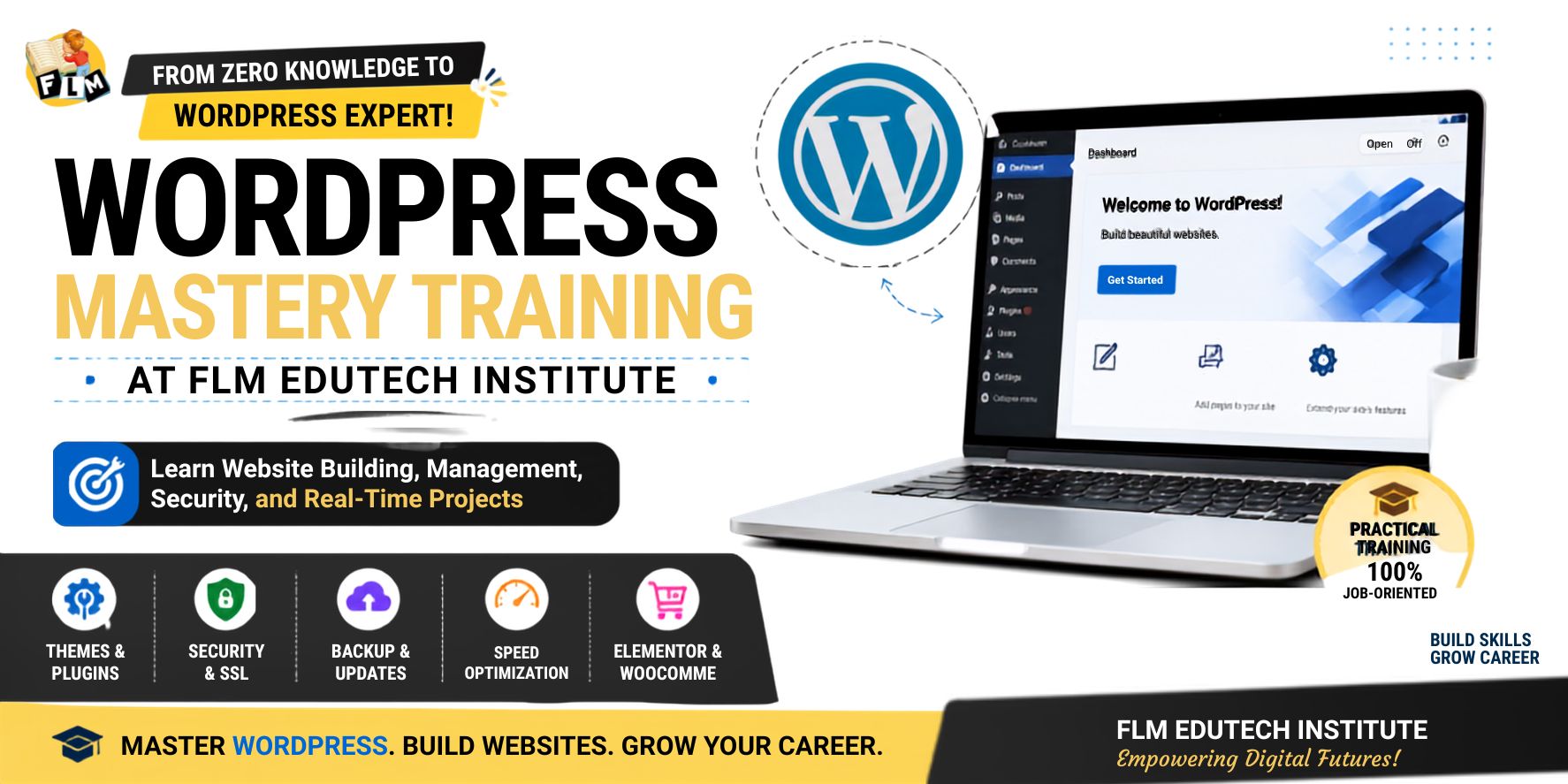
In today’s growing digital world, almost every business needs a website. A website acts as an identity to the business and helps companies to share information about the business, attract the customers to business, and grow online. But creating and handling a website is not just about creating the pages. It is also about how we keep the website safe, fast, and easy to use.This is where the WordPress Mastery Program at FLM Edutech Institute helps students. The training at the institute is designed to teach WordPress in a practical and simple way. Instead of only learning theory, students get real-time practice and work on actual website projects. Get an idea about WordPress WordPress is an open source Content Management System (CMS) and can be accessed freely. It helps people to build and manage the websites without needing coding knowledge and using the wordpress is not a big task. Millions of websites around the world use WordPress only to build because it is flexible, easy to use, and powerful. It is especially useful for creating informational websites, blogs, business websites, and service-based websites. At FLM Edutech Institute, students begin by understanding the basics and core concepts of WordPress and how it works in the real business world. Learning Through Real-Time Practice One of the best things about the WordPress Mastery course at FLM is practical learning. Students will practice on live websites and understand how website management happens in the real time projects. The training compares WordPress websites with popular websites such as news portals and content-based platforms. Students will learn how content writers, digital marketers, and website administrators use the wordpress to publish and manage content regularly. This real-time approach helps students boost confidence and understand how websites are managed professionally. Knowledge First, AI Second FLM Edutech Institute teaches an important lesson to every student: Do not depend completely on AI tools. AI can help speed up work, but it cannot replace strong subject knowledge. Even primary standard students can use AI tools, but only a person with proper knowledge can create quality and unique work. Students are encouraged to learn the core concepts first and then use AI as a supporting tool to get better things that are suited for industry. This helps them become skilled professionals rather than simply tool users. Understanding the Three Important WordPress Updates A website needs regular maintenance. During the learning, students learn about three important types of WordPress updates. 1. WordPress Core Update This is the main thing to update the software of WordPress. It is like how we update Android, iOS, or Windows on a computer or mobile device.The core updates are to improve the security, performance, and functionality. 2. Theme Update Themes control the appearance of a website. When a theme is updated, it can improve design, speed, and compatibility.Themes are similar to launchers or design templates on mobile phones. 3. Plugin Update Plugins will add extra features to a website. Examples include WhatsApp chat, sliders, forms, backups, and security tools.Plugin updates help keep these features working properly and securely. The Golden Rule: No Backup, No Update One of the most valuable lessons learned at FLM Edutech Institute is: “No Backup, No Update.” Before updating WordPress, themes, or plugins, students learn to take a complete backup of the website.A backup is like a safety copy of a website. If anything goes wrong during an update, the website can be restored quickly.This simple habit will save hours of work and prevent major website problems. Five Website Setup Rules Every Student Learns When students receive a new website project, they follow five important setup rules. 1. Enable Coming Soon Mode Before launching the website, it should be hidden from visitors while development is in progress. 2. Remove Unwanted Themes and Plugins Removing the unused themes and plugins can slow down the website and create security risks. 3. Delete Dummy Content Sample pages and posts added by WordPress should be removed to keep the website clean. 4. Setting Permalinks to Post Name This will create user friendly and SEO friendly URLs. 5. Hide the Login Page This plugin used to change the default login URL helps improve website security. These simple steps help create a professional and secure website from the beginning. Understanding Pages and Posts Students will learn the difference between pages and posts, which is an important WordPress concept. Pages Pages are used to create for permanent information such as: Pages do not usually change often. Posts Posts are used to create dynamic content such as: Posts can be organized using categories and tags. Understanding this difference helps students structure websites properly. Important Plugins Recommended During Training The course trains the students to useful plugins that are commonly used in real projects. Some important plugins which are include: Students learn where and when to use each plugin in the best way. Website Security and SSL Website security is the topic in the training that is also important to learn. Students will get knowledge about the SSL (Secure Socket Layer), which protects the website data and improves trust among the users and visitors. Many websites use the SSL certificates provided through Let’s Encrypt, supported by major organizations around the world. The FLM also trains the students how security plugins like Wordfence can protect websites from bots, hackers, and malicious software. Backup Management with UpdraftPlus Backups are a major part of website management. Students learn to take backups: The recommended method is to keep both: This provides extra protection and ensures website recovery when needed. Speed Optimization with Cache Plugins A fast website creates a better user experience and helps SEO performance. Students can learn about caching systems and website speed optimization. Popular cache solutions include: The course explains how caching stores website data efficiently and helps pages load faster. Building Modern Website Infrastructure The training also introduces advanced website concepts. Students learn how to build a strong website setup using: These tools help create modern, professional, and business-ready websites. Beyond WordPress … Read more