FLM Edutech Archives - FLM DM Course 19th Batch-Kudupudi Satya Sri Prasad

Canva Tips Every Beginner Should Know: 10 Simple Tricks to Design Like a Pro
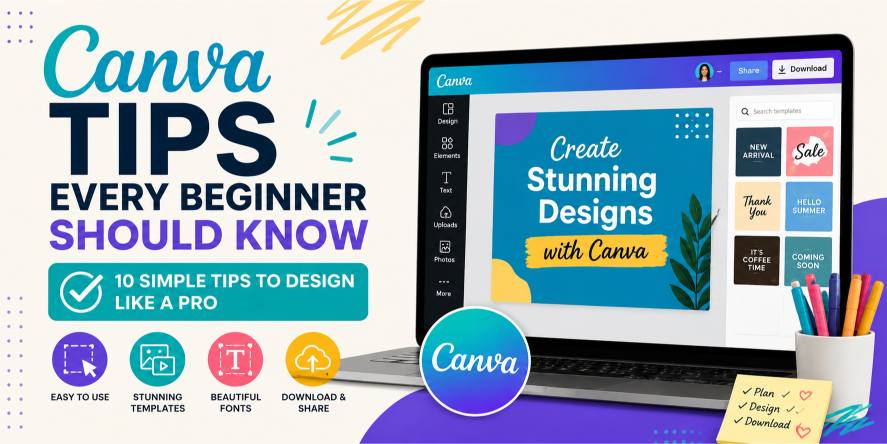
A beginner learning Canva to create professional social media posts, flyers, presentations, and marketing designs using simple design principles.

Think Canva Is Just for Making Social Media Posts? Think Again. A few years ago, creating professional-looking designs meant learning complicated software like Photoshop or Illustrator. For most beginners, that felt impossible. The tools were expensive. The learning curve was steep. And even creating a simple poster could take hous. Then Canva changed everything. Today, anyone can create social media posts, presentations, flyers, resumes, logos, YouTube thumbnails, business cards, and even websites—without being a professional designer. But here’s the surprising part… Most beginners use only a small fraction of what Canva can actually do. They drag a few elements onto a page, change some colors, add text, and call it finished. As a result, their designs often look average instead of professional. The good news? You don’t need years of design experience to create eye-catching graphics. You simply need to understand a few smart techniques that experienced Canva users apply every day. In this guide, you’ll learn beginner-friendly Canva tips that instantly improve your designs while helping you work faster and with more confidence. Let’s get started. What You’ll Learn By the end of this guide, you’ll know: Ready? Let’s dive in. Why Canva Is Perfect for Beginners Before we explore the tips, let’s answer an important question. Why has Canva become so popular? Because it removes the hardest part of graphic design. Instead of spending weeks learning complex software, Canva lets you focus on creativity. Its drag-and-drop interface makes designing feel natural. Whether you’re a student, freelancer, business owner, content creator, or marketer, Canva helps turn ideas into professional visuals within minutes. But here’s where many beginners go wrong… They believe Canva automatically creates great designs. It doesn’t. Canva provides the tools. You create the design. That’s why learning a few simple design principles makes such a big difference. Tip 1: Start With a Template—But Don’t Finish With One One of Canva’s biggest strengths is its enormous collection of templates. There are designs for almost everything: For beginners, templates save time. But here’s something many people don’t realize. Using a template exactly as it is makes your design look like everyone else’s. Why This Matters Templates are meant to inspire you—not replace your creativity. A few small changes can completely transform the final result. Real-Life Example Imagine two people using the same birthday invitation template. The first person downloads it without changing anything. The second person changes: Although both started with the same template, the second design feels unique and professional. Practical Tips Whenever you use a Canva template: ✔ Change the main colors. ✔ Replace stock images. ✔ Use your own brand logo. ✔ Adjust the spacing. ✔ Rewrite the text. ✔ Add your own style. The result will feel much more original. Common Beginner Mistake Many beginners believe templates should never be edited. Actually, editing is what makes templates valuable. Tip 2: Use Only Two or Three Fonts Here’s a mistake almost every beginner makes. They use too many fonts. One heading uses a bold font. The next uses cursive. The paragraph uses something completely different. The result? The design looks confusing. Professional designers usually keep things simple. Why This Matters Fonts create consistency. When every piece of text looks different, readers don’t know where to focus. Simple typography improves readability. Example Imagine reading a book where every page uses a different handwriting style. It would become tiring very quickly. Design works the same way. Practical Advice A simple formula works well. That’s all most designs need. Pro Tip Bold fonts attract attention. Simple fonts improve readability. Use each for its purpose. Common Mistake Never choose fancy fonts just because they look interesting. If people struggle to read them, your message is lost. Tip 3: White Space Is Your Secret Weapon Many beginners believe every empty space must be filled. So they add: More text. More icons. More shapes. More decorations. Eventually, the design becomes crowded. Here’s the interesting part… Professional designers often do the opposite. They leave empty space intentionally. This is called white space. White space doesn’t have to be white. It simply means empty space around elements. Why This Matters Empty space helps viewers focus on what’s important. It gives the design room to breathe.Think of a clean, organized room. Now compare it to a room packed with furniture. Which feels more comfortable? Design works exactly the same way. Practical Tips Instead of adding more elements, try removing one. Increase the spacing between sections. Leave margins around your text. You’ll be surprised how much cleaner your design looks. Real-Life Example Look at advertisements from premium brands. Notice how they often use fewer elements but make a stronger impact. Less really can be more. Tip 4: Choose Colors With a Purpose Most beginners choose colors based on what they personally like. Professional designers choose colors based on the message they want to communicate. That’s a big difference. Colors influence emotions. Blue often creates trust. Green suggests growth. Red attracts attention. Black feels premium. Yellow creates energy.Now, this doesn’t mean you must follow these associations every time. But understanding them helps you make better design decisions. Why This Matters Consistent colors help people recognize your brand. Random colors make designs feel disconnected. Example Imagine a healthcare clinic using bright neon colors everywhere. It would feel confusing. Now imagine soft blues and whites. The second option feels calmer and more trustworthy. Practical Advice When creating designs: Choose one primary color. One secondary color. One accent color. Stick with them throughout your project. Pro Tip If you’re designing for a business, use the same color palette across: Consistency builds recognition. Tip 5: Use Canva’s Alignment Tools Instead of Guessing Have you ever looked at a design and thought, “Something feels off… but I don’t know what.” Most of the time, the problem isn’t the colors or fonts. It’s the alignment. When text, images, and icons aren’t lined up properly, a design feels messy—even if everything else is perfect. Here’s the good news… Canva automatically provides alignment guides. … Read more
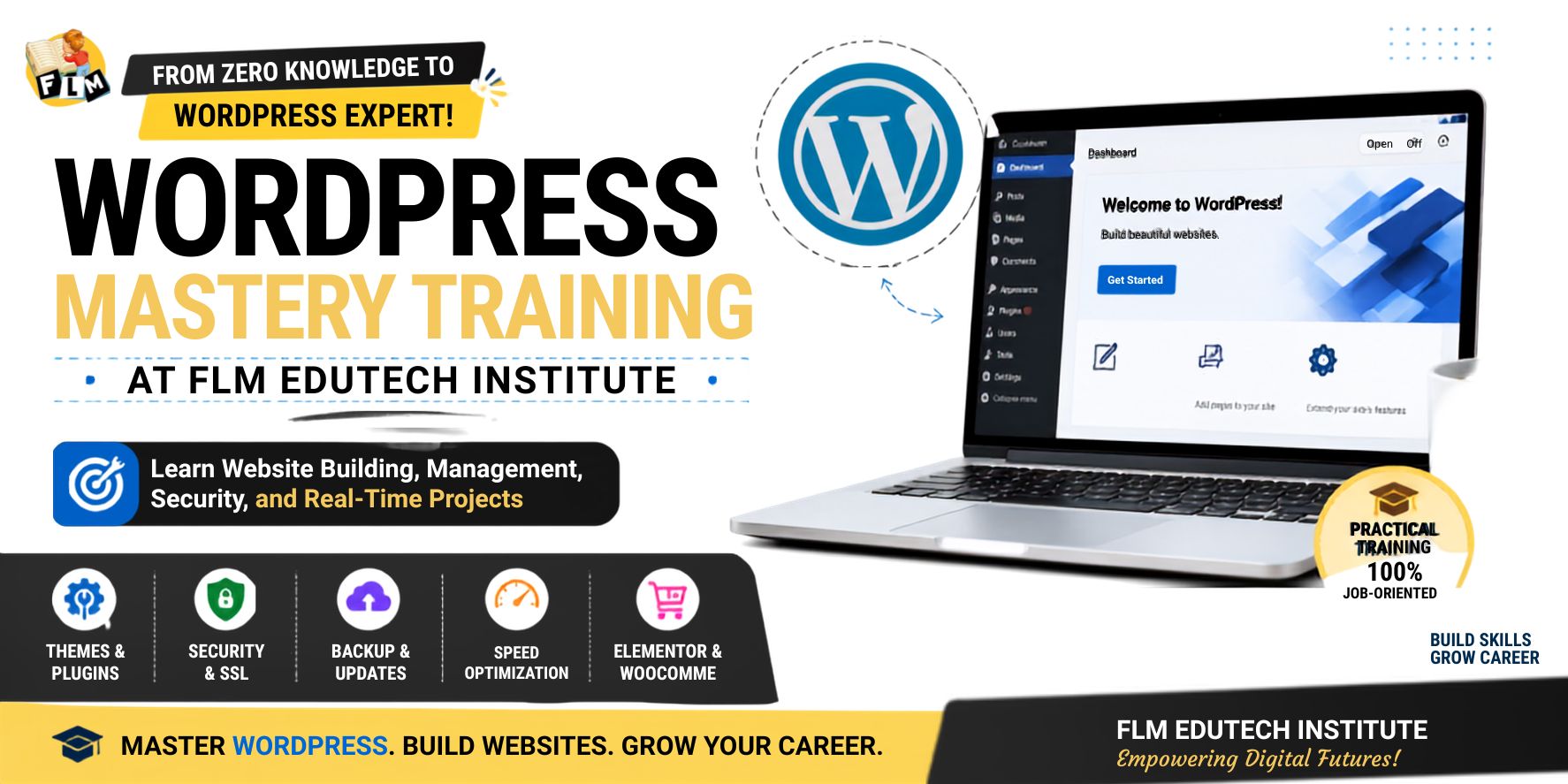
WordPress Mastery Training at FLM Edutech Institute: Learn Website Building From the Zero Knowledge

In today’s growing digital world, almost every business needs a website. A website acts as an identity to the business and helps companies to share information about the business, attract the customers to business, and grow online. But creating and handling a website is not just about creating the pages. It is also about how we keep the website safe, fast, and easy to use.This is where the WordPress Mastery Program at FLM Edutech Institute helps students. The training at the institute is designed to teach WordPress in a practical and simple way. Instead of only learning theory, students get real-time practice and work on actual website projects. Get an idea about WordPress WordPress is an open source Content Management System (CMS) and can be accessed freely. It helps people to build and manage the websites without needing coding knowledge and using the wordpress is not a big task. Millions of websites around the world use WordPress only to build because it is flexible, easy to use, and powerful. It is especially useful for creating informational websites, blogs, business websites, and service-based websites. At FLM Edutech Institute, students begin by understanding the basics and core concepts of WordPress and how it works in the real business world. Learning Through Real-Time Practice One of the best things about the WordPress Mastery course at FLM is practical learning. Students will practice on live websites and understand how website management happens in the real time projects. The training compares WordPress websites with popular websites such as news portals and content-based platforms. Students will learn how content writers, digital marketers, and website administrators use the wordpress to publish and manage content regularly. This real-time approach helps students boost confidence and understand how websites are managed professionally. Knowledge First, AI Second FLM Edutech Institute teaches an important lesson to every student: Do not depend completely on AI tools. AI can help speed up work, but it cannot replace strong subject knowledge. Even primary standard students  can use AI tools, but only a person with proper knowledge can create quality and unique work. Students are encouraged to learn the core concepts first and then use AI as a supporting tool to get better things that are suited for industry. This helps them become skilled professionals rather than simply tool users. Understanding the Three Important WordPress Updates A website needs regular maintenance. During the learning, students learn about three important types of WordPress updates. 1. WordPress Core Update This is the main thing to update the software of WordPress. It is like how we update Android, iOS, or Windows on a computer or mobile device.The core updates are to improve the security, performance, and functionality. 2. Theme Update Themes control the appearance of a website. When a theme is updated, it can improve design, speed, and compatibility.Themes are similar to launchers or design templates on mobile phones. 3. Plugin Update Plugins will add extra features to a website. Examples include WhatsApp chat, sliders, forms, backups, and security tools.Plugin updates help keep these features working properly and securely. The Golden Rule: No Backup, No Update One of the most valuable lessons learned at FLM Edutech Institute is: “No Backup, No Update.” Before updating WordPress, themes, or plugins, students learn to take a complete backup of the website.A backup is like a safety copy of a website. If anything goes wrong during an update, the website can be restored quickly.This simple habit will save hours of work and prevent major website problems. Five Website Setup Rules Every Student Learns When students receive a new website project, they follow five important setup rules. 1. Enable Coming Soon Mode Before launching the website, it should be hidden from visitors while development is in progress. 2. Remove Unwanted Themes and Plugins Removing the unused themes and plugins can slow down the website and create security risks. 3. Delete Dummy Content Sample pages and posts added by WordPress should be removed to keep the website clean. 4. Setting Permalinks to Post Name This will create user friendly and SEO friendly URLs. 5. Hide the Login Page This plugin used to change the default login URL helps improve website security. These simple steps help create a professional and secure website from the beginning. Understanding Pages and Posts Students will learn the difference between pages and posts, which is an important WordPress concept. Pages Pages are used to create for permanent information such as: Pages do not usually change often. Posts Posts are used to create dynamic content such as: Posts can be organized using categories and tags. Understanding this difference helps students structure websites properly. Important Plugins Recommended During Training The course trains the  students to useful plugins that are commonly used in real projects. Some important plugins which are include: Students learn where and when to use each plugin in the best way. Website Security and SSL Website security is the topic in the training that is also important to learn. Students will get knowledge about the SSL (Secure Socket Layer), which protects the website data and improves trust among the users and visitors. Many websites use the SSL certificates provided through Let’s Encrypt, supported by major organizations around the world. The FLM also trains the students how security plugins like Wordfence can protect websites from bots, hackers, and malicious software. Backup Management with UpdraftPlus Backups are a major part of website management. Students learn to take backups: The recommended method is to keep both: This provides extra protection and ensures website recovery when needed. Speed Optimization with Cache Plugins A fast website creates a better user experience and helps SEO performance. Students can learn about caching systems and website speed optimization. Popular cache solutions include: The course explains how caching stores website data efficiently and helps pages load faster. Building Modern Website Infrastructure The training also introduces advanced website concepts. Students learn how to build a strong website setup using: These tools help create modern, professional, and business-ready websites. Beyond WordPress … Read more

How to Earn Money After Learning Website Designing | FLM Edutech

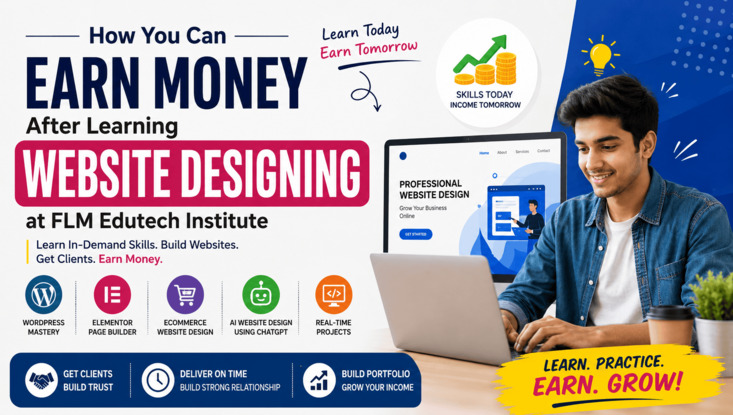
How to Earn Money After Learning Website Designing at FLM Edutech Institute

Many students join a website designing course with one big question: “Can I earn money after learning this?” Our answer at FLM Edutech Institute is simple.Yes, you can. But earning money does not happen by learning only one tool or watching a few videos. You need proper knowledge, practical skills, confidence, and a simple action plan.That is exactly what we teach in our Website Designing and WordPress Mastery Program. We Teach Skills That Businesses Need Today every business needs a website. Such as:  When you learn website designing at FLM Edutech Institute, you learn skills that real businesses are looking for every day. What We Teach You We begin from the basics and take you step by step. You learn: We teach not only how to start a website but also how to complete and deliver it professionally. Learn the Complete Website Structure Many beginners create beautiful pages but forget important business pages. At FLM Edutech Institute, we teach students how a professional business website should be structured. You learn how to create: You also learn how to design: These are the things that clients will expect when they hire a website designer. Our 5 Sutras for Website Success During the training, we teach our proven 5 Sutras Formula. These simple steps help students work faster and avoid common mistakes. Instead of wasting time, students learn how to plan projects properly and deliver websites professionally. This helps build trust with clients. And trust brings more work. Don’t Limit Yourself One important lesson we teach every student is: Don’t limit yourself. Many students think they can only work for one type of business. That is not true. A website designer can work with: Complete Projects Faster One reason many freelancers fail is because they take too much time to finish projects.At FLM Edutech Institute, we teach students how to plan their work properly.If a website can be completed in one day, finish it.If it needs more time, create an execution plan and complete it step by step.Always communicate with the client and provide updates.Clients love professional communication.Professional communication leads to repeat business. Why Many Website Designers Fail Many people learn website design but still struggle to get clients.The reason is simple.They do not understand the client’s requirements.We teach students to think from the client’s point of view. Before starting a project, ask for: The more you understand the business, the better website you can create.Your goal should be to meet the client’s expectations, not just your own ideas. Focus On Time Delivery Clients do not like delays.Even a simple website delivered on time creates a better impression than a perfect website delivered late. That is why we teach students the importance of: These small things can help you building a strong portfolio in the market. Set a Clear Goal When starting your website designing journey, do not think about making lakhs immediately.Start small.Our recommendation is simple: Target 3 to 5 websites every month.Even a few projects every month can help you gain experience, confidence, and income.As your skills improve, your earnings can also grow. How to Search Your First Clients Finding clients is easier than many people think.Start by looking around your local area search within: You will find many businesses that still do not have a professional website.Visit them and introduce yourself.Share your visiting card.A set of 100 visiting cards usually costs only a few hundred rupees, but it can create many opportunities. Build Trust Before Selling People will buy when they trust the people.That is why we teach students to create sample website designs. Choose categories such as: Create around 10 sample designs for each and every category.When you meet a client, show these designs to the client.This immediately builds trust and confidence.Clients can see your work instead of only hearing promises. Do Follow Up Consistently Mostly sales do not happen in the first meeting.That is why follow up is very important. Use: Set reminders on your phone and stay connected with potential clients.Sometimes a client may say “No” today but become your customer next month. Keep a Record of Every Customer Professional website designers keep records.We teach students to maintain customer details in Google Sheets. Track information such as: This simple habit helps you manage leads and grow your business. Your Success Starts with Action At FLM Edutech Institute, we do not just teach website designing.We teach students how to turn their skills into income.Learning WordPress, Elementor, AI Website Design, Ecommerce, and Website Development is only the first step. The next step is turning into reality action.Meet businesses and show your work to the clients and this will build trust in the clients. Follow up the clients regularly till you get the project. Deliver the projects on time to the clients.If you follow these things consistently, this website designing can become a valuable skill in your portfolio that helps you earn money, build a freelance career, and you can create new opportunities for your future. At FLM Edutech Institute, our goal is simple: Train students with real skills, real projects, and real earning opportunities. Frequently Asked Questions (FAQs) Final Thoughts Learning website designing is more than learning how to build websites. It is a skill that can help you earn money, work with real businesses, and create a better future. At FLM Edutech Institute, we teach you step by step with practical projects, real business examples, and easy-to-understand training. The most important thing is to keep learning, keep practicing, and take action. Build your portfolio, meet new clients, deliver quality work on time, and never stop improving your skills. Your journey starts with learning, but your success comes from using what you learn. Start today, stay consistent, and turn your website designing skills into real opportunities.