Have you ever wondered how websites like Google, Amazon, or Facebook stay online 24/7, the answer is web hosting. If you’re planning to create a website, start a blog, or build an online business, understanding web hosting is one of the first things you should learn.
Let’s break it down in the simplest way possible.
Web Hosting
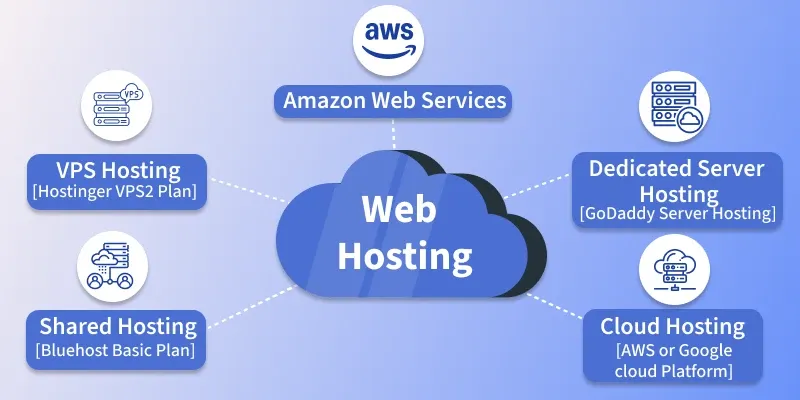
Web hosting is a service that makes your website accessible online. When you purchase hosting, you rent space on a server – a powerful computer that stores your website’s files (HTML, CSS, images, databases) and remains connected to the internet 24/7.
Here’s how it works: when someone visits your website (whether they clicked a search result, followed a link, or typed your URL directly), their browser sends a request to your server. The server then delivers your website’s files to their browser, which renders the pages on their screen. This process typically happens in milliseconds.
- Website = Your Shop
- Domain Name = Shop Address
- Web Hosting = The Building Where Your Shop Exists
Lets Learn with simple Example : Imagine you wrote a book. If you keep the book in your room, only you can read it. But if you place the book in a public library, anyone can visit and read it. Web hosting works in the same way. Your website files are stored on a powerful computer called a server, and this server makes your website available to anyone on the internet.
How Does web hosting work?
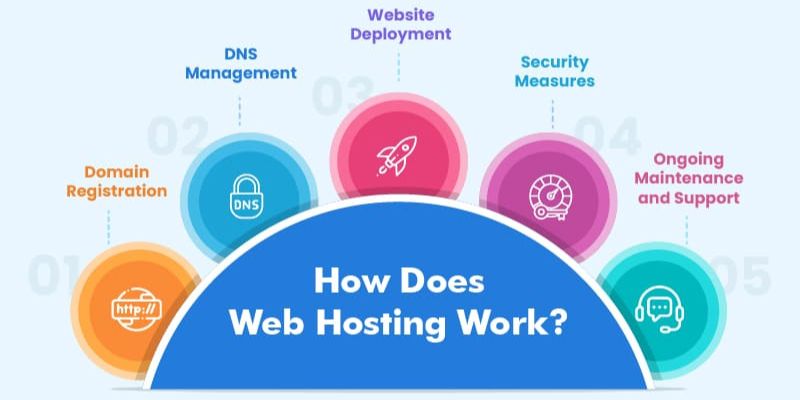
Web hosting works by providing a server to store your website’s files and deliver them to visitors on demand. Here’s the process: when someone visits your site (whether through a search result, link, or direct URL), their browser sends a request to your web server. The server retrieves and sends the necessary files, and your website loads on their screen within milliseconds.
A server is a powerful physical computer that runs continuously and stays connected to the internet 24/7, keeping your site accessible at all times. Think of servers as specialized computers designed to store websites and respond to visitor requests instantly – your website lives on one of these servers so anyone can access it anytime, from anywhere.
Different Types of Web Hosting
1. Shared Hosting
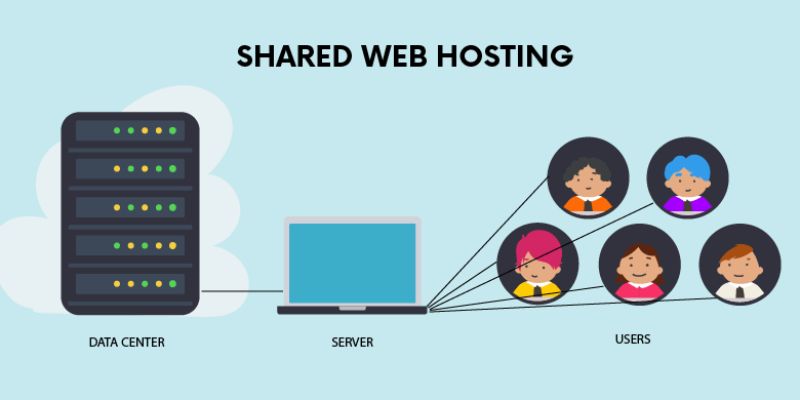
With shared hosting, multiple users share the same server resources, including memory, processing power, and storage space.
Because of its simplicity and affordability, shared web hosting is an excellent solution for small businesses and personal websites that don’t require advanced configuration or higher bandwidth.
Pros:
- Cost-effective, ideal for small-scale websites
- Technical expertise is not required
- Pre-configured server options
- No need to take care of maintenance and server administration
Cons:
- Minimal access to server configuration
- Increased traffic on other websites can affect your website’s speed
2. VPS Hosting
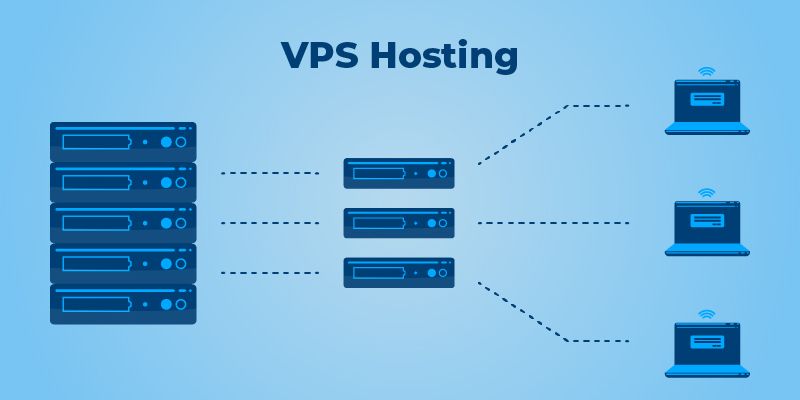
With a VPS, your website also shares a physical server with other users, but the web host creates a virtual partition for each user. In short, a site hosted on a virtual private server gets an allocated amount of resources.
Medium to large sites, ecommerce stores, and large blogs with a rapidly growing number of visitors will benefit the most from VPS Hosting
Pros
- Dedicated server space
- Increased traffic on other websites has no impact on your site’s performance
- Root access to the server
- High customizability
Cons
- Users need technical expertise to manage it
- Even though it’s relatively affordable, some users may have to hire a developer to manage the virtual server, increasing the overall costs
3. Cloud Hosting
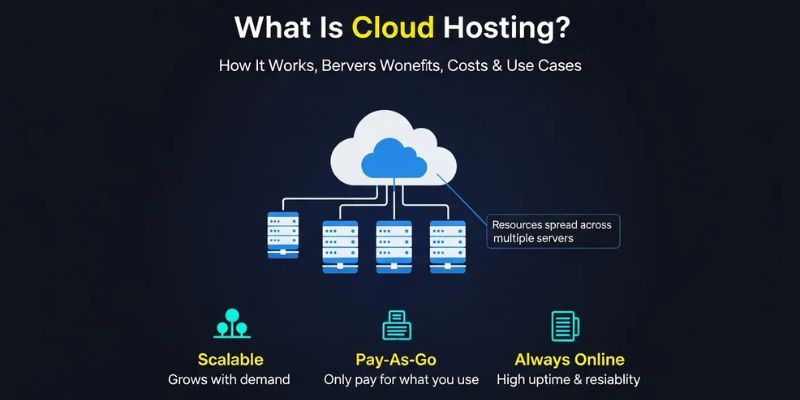
This web hosting solution uses several virtual servers to host sites. So, if one server experiences high traffic or a problem, the remaining ones will take over and maintain the website’s operation.
Since cloud based web-hosting relies on a cluster of web servers to function, businesses with multiple websites and large-scale sites like ecommerce shops benefit the most from it, as it provides little to no downtime.
Pros
- Reduced likelihood of downtime and hardware failure
- Uses load balancing to handle high traffic and prevent DDoS attacks
- Scalability – your website is not limited to the resources of a single server
Cons
- Root access is not always provided
- It is more expensive than VPS and shared hosting
4. Dedicated Hosting
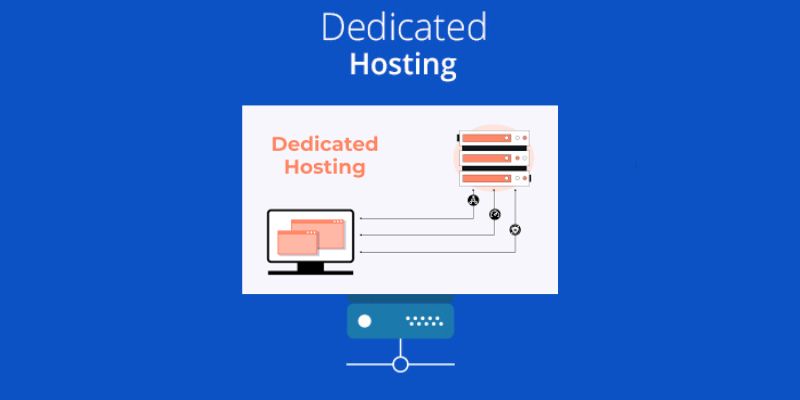
Dedicated hosting designates a physical server for each website. By opting for dedicated hosting, you can configure the server, select your preferred operating system and software, and tailor the entire hosting environment to your exact specifications.
Renting a dedicated server is just as powerful as having your own on-site server, but with the added benefit of getting professional support from your web host. Thus, dedicated hosting is ideal for large online businesses that deal with heavy traffic.
Pros
- Complete control over the server’s configuration
- High reliability
- Root access to the server
Cons
- High cost, more oriented towards large businesses
- Technical and server management knowledge is required
Which Hosting Should Beginners Choose?
If you’re just starting out, Shared Hosting is usually the best option because it is:
- Affordable
- Easy to use
- Perfect for blogs and portfolio websites.
As your website grows, you can upgrade to VPS or Cloud Hosting.
Key Takeaways
- Web hosting stores your website files.
- It makes your website available on the internet.
- Hosting works using powerful computers called servers.
- Different types of hosting suit different needs.
- Shared hosting is usually the best choice for beginners.
Frequently Asked Questions
Is Web Hosting necessary for a website?
Yes, without hosting, your website cannot be accessed online.
What’s the difference between a domain and hosting?
A domain is your website’s address, while hosting is where your website files are stored.
Can I build a website without hosting?
You can build it on your computer, but other won’t be able to access it online without hosting.
Which hosting is best for beginner?
Shared hosting is generally the best option for beginners.
Can I change my hosting provider later?
Yes. Most websites can be migrated to another hosting provider
Conclusion
Web hosting may sound technical, but it’s actually simple, think of it as the home of your website. Your domain name is the address, and hosting is the place where all your website files live. If you want to start a blog, portfolio, business website, or online store, choosing the right hosting is one of the first and most important steps. Once you understand web hosting, building a website becomes much easier.