Imagine suddenly one morning you discover that your website has been hacked. Your homepage is defaced, visitors can’t access your content, and your hard work is gone. Unfortunately, this happens to thousands of WordPress websites every year.
Most of the WordPress hacks happen because of simple security mistakes that are completely preventable if taken necessary actions. You don’t need to be a cybersecurity expert to protect your website. By following a few essential security practices, you can significantly reduce the risk of attacks.
Why WordPress Websites Get Hacked
WordPress itself is highly secure. However, websites become vulnerable because of:
- Weak passwords
- Outdated plugins
- Poor hosting choices
- Unused themes and plugins
- Lack of backups
- Poor user management
- Malware infections
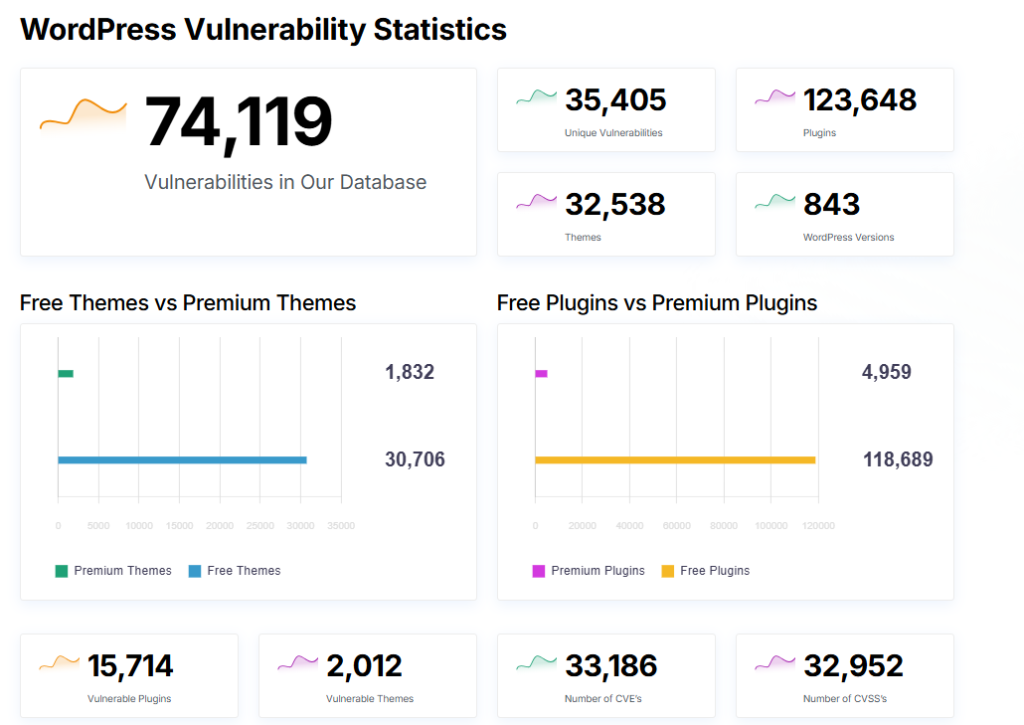
resource – https://wpscan.com/statistics/
Keep WordPress, themes, and plugins updated
One of the biggest reasons websites get hacked is outdated software. Updates don’t just add new features, they often fix security vulnerabilities that hackers can exploit.
Best Practice
- Enable automatic updates whenever possible.
- Update plugins and themes regularly.
- Remove abandoned plugins that no longer receive updates.
- Before updating your website, always create a backup.
Use Strong Passwords
Simple login credentials can be an open door for hackers. Avoid using ‘admin’ as your username, and ensure your passwords are complex and unique. A good password includes uppercase and lowercase letters, numbers, and special characters. A business password manager like Nordpass Can help you create strong passwords and store these safely.
Create Strong Passwords Using:
✅ Uppercase letters
✅ Lowercase letters
✅ Numbers
✅ Special characters
Example:
M@rketing#2026!Wp
Limit Login Attempts
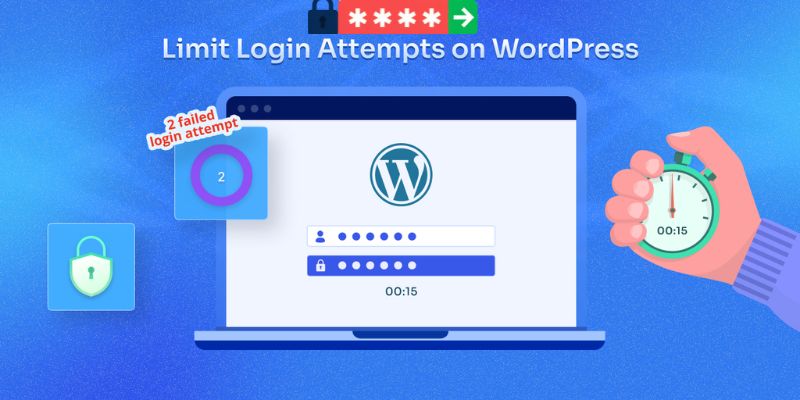
Limiting the number of failed login attempts can prevent brute-force attacks. WordPress offers various plugins that can lock out a user’s IP address after a certain number of failed login attempts are reached. This makes it more difficult for hackers to try username/password combinations to log in.
Enable Two-Factor Authentication (2FA)
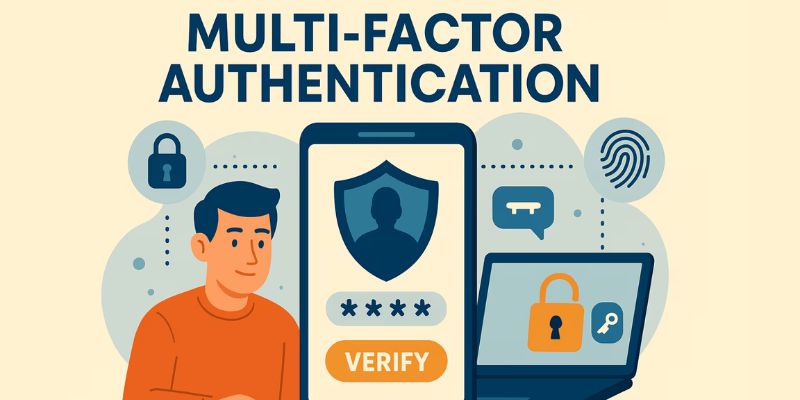
Even if someone steals your password, Two-Factor Authentication adds another layer of protection. When enabled, you’ll need your password and a verification code from your phone or authentication app. This makes unauthorized access much more difficult
Install a Security Plugin
Security plugins act like security guards for your website. They can scan for malware, monitor login attempts, block suspicious activity, and detect vulnerabilities. Popular features to look for include:
- Firewall protection
- Malware scanning
- Login security
- File monitoring
Activate a firewall
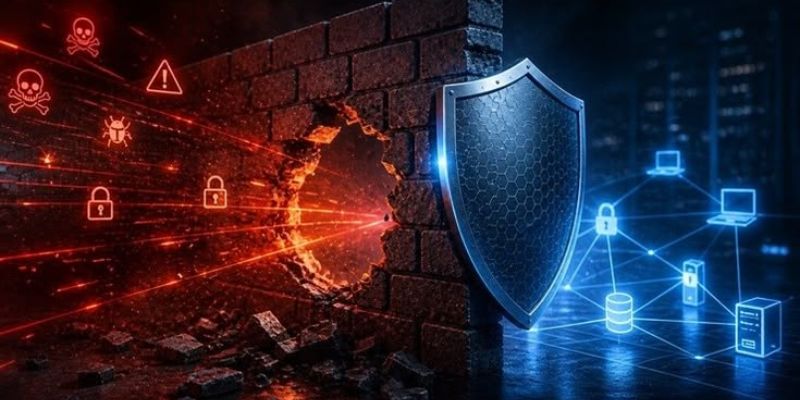
A firewall sits between your site and the internet. Its job is simple: inspect incoming traffic and block suspicious requests before they reach WordPress. That means filtering out common attack patterns such as SQL injection attempts, cross-site scripting payloads, and automated probing.
Even if a plugin has a vulnerability, a firewall can sometimes block exploitation attempts before they ever hit your site. It acts as a safety buffer. Not a replacement for updates, but a strong second line of defence.
In practice, I’ve seen firewalls block exploitation attempts within hours of a vulnerability being disclosed. That buffer matters.
You can use a plugin-based firewall that runs inside WordPress, or a cloud-based one that filters traffic before it even reaches your server. Both approaches work. The important part is that you don’t run without one.
Back up your WordPress site regularly

Prevention matters. But recovery matters just as much. I have seen site owners spend days trying to manually clean infected files, only to restore from backup in five minutes afterward. The backup would’ve saved them a weekend.
Even well-maintained sites run into problems. A plugin conflict. A hosting issue. A vulnerability that appears before you’ve had a chance to patch it. Things break. Sometimes through no fault of your own.
If your database is compromised or your files are altered, restoring from a clean backup is often far safer and faster than trying to manually untangle everything.
Back up your WordPress site regularly. Store those backups off-site, not just on the same server. Include both your files and your database. And test the restore process at least once so you know it works before you actually need it.
Use HTTPS and enforce SSL properly
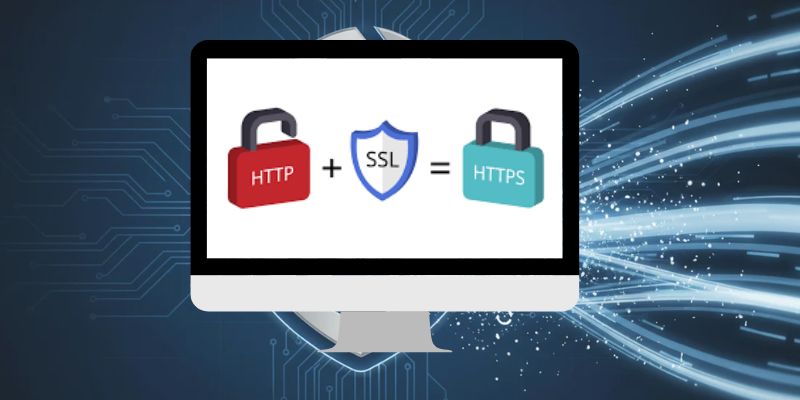
Every WordPress site should run over HTTPS. Not just the homepage. Everything.
HTTPS encrypts data between your visitors and your server. That includes login credentials, cookies, and form submissions. Without it, that data can be intercepted.
Most hosts provide free SSL certificates through Let’s Encrypt. Make sure:
- HTTPS is enabled for the entire site
- Your SSL certificate renews automatically
- HTTP traffic redirects to HTTPS
- Mixed content errors are fixed
HTTPS won’t stop malware. But it prevents credential interception and session hijacking.
It’s a basic WordPress security best practice. And in this AI era, it’s essential.
Regularly clean up unused plugins and themes
Unused plugins and themes aren’t just clutter—they’re a real security risk. Every inactive or outdated plugin or theme is another potential entry point for hackers, even if it’s not currently activated. Make it a habit to review your installed plugins and themes regularly, deleting anything you no longer use. This reduces your attack surface and keeps your WordPress installation lean and secure.
Secure your WordPress site before hackers strike
WordPress security requires ongoing vigilance, but implementing these measures dramatically reduces your risk of becoming a victim. Start with the highest-priority items and work systematically through the complete checklist. Your website’s security and your peace of mind depend on taking action today.
Common WordPress security mistakes
Over the years, we have seen the same patterns again and again:
- Relying only on hosting backups
- Installing too many plugins
- Ignoring low-traffic or “secondary” sites
- Treating security as a one-time setup
Relying on hosting backups alone is risky. They’re helpful, but you don’t always control how often they run or how long they’re retained.
Installing too many plugins increases complexity and expands your attack surface. More code means more potential vulnerabilities.
Low-traffic sites aren’t safer. Bots don’t care how many visitors you get. They care whether you’re vulnerable.
And perhaps the biggest mistake? Setting everything up once and assuming you’re done.
Security is not a checkbox. It’s ongoing maintenance
Final Thoughts
Website security isn’t about making your site impossible to hack. It’s about making it difficult enough that attackers move on to easier targets. A secure WordPress website comes down to simple habits like keeping everything updated, using strong passwords, enabling extra security layers, taking backups, and monitoring your website regularly. Think of website security like locking your house. One lock is good but Several locks are much better.
Want to learn more about website security, watch this video