The beginner-friendly guide to Content Delivery Networks (CDNs) that every website owner should read.
By the End of This Article, You’ll Know:
- What a CDN is
- How a CDN works
- Why Google prefers fast websites
- CDN vs. Web Hosting
- How to choose the right CDN
Introduction
Imagine you are walking into a supermarket.
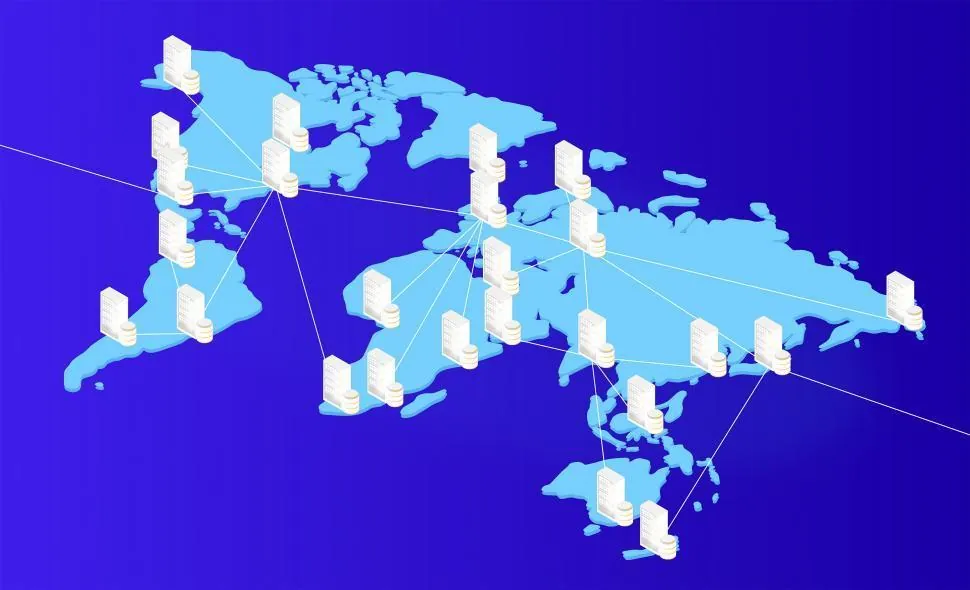
Would you rather get groceries from a store which is 2 minutes away or drive to a store which is 40 minutes away from your city ?
Definitely, you’d choose the nearby store.
Similarly your website visitors think exactly the same way.
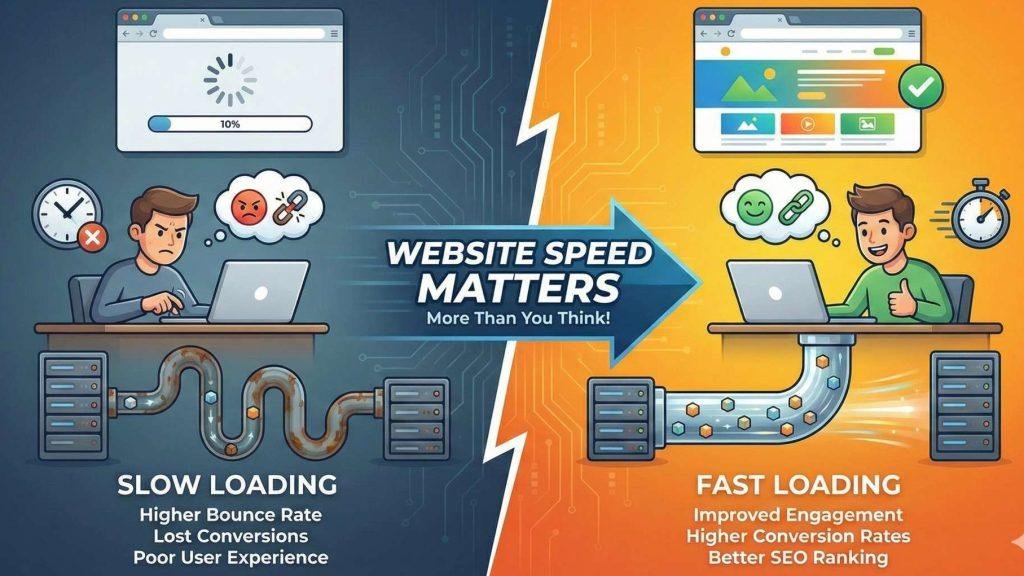
When someone visits your website, every image, logo, button, and page has to travel from your server to their device. If that server is thousands of kilometers away, the website feels painfully slow.
That’s where exactly a Content Delivery Network (CDN) changes everything.
Instead of serving your website from one location, it delivers your content from the closest server to every visitor around the worlWebsite Speed Matters
Does really Website Speed Matters?
You will be surprised to know this fact.. even a 1-second delay enormously can reduce conversions and increase visitor drop-offs
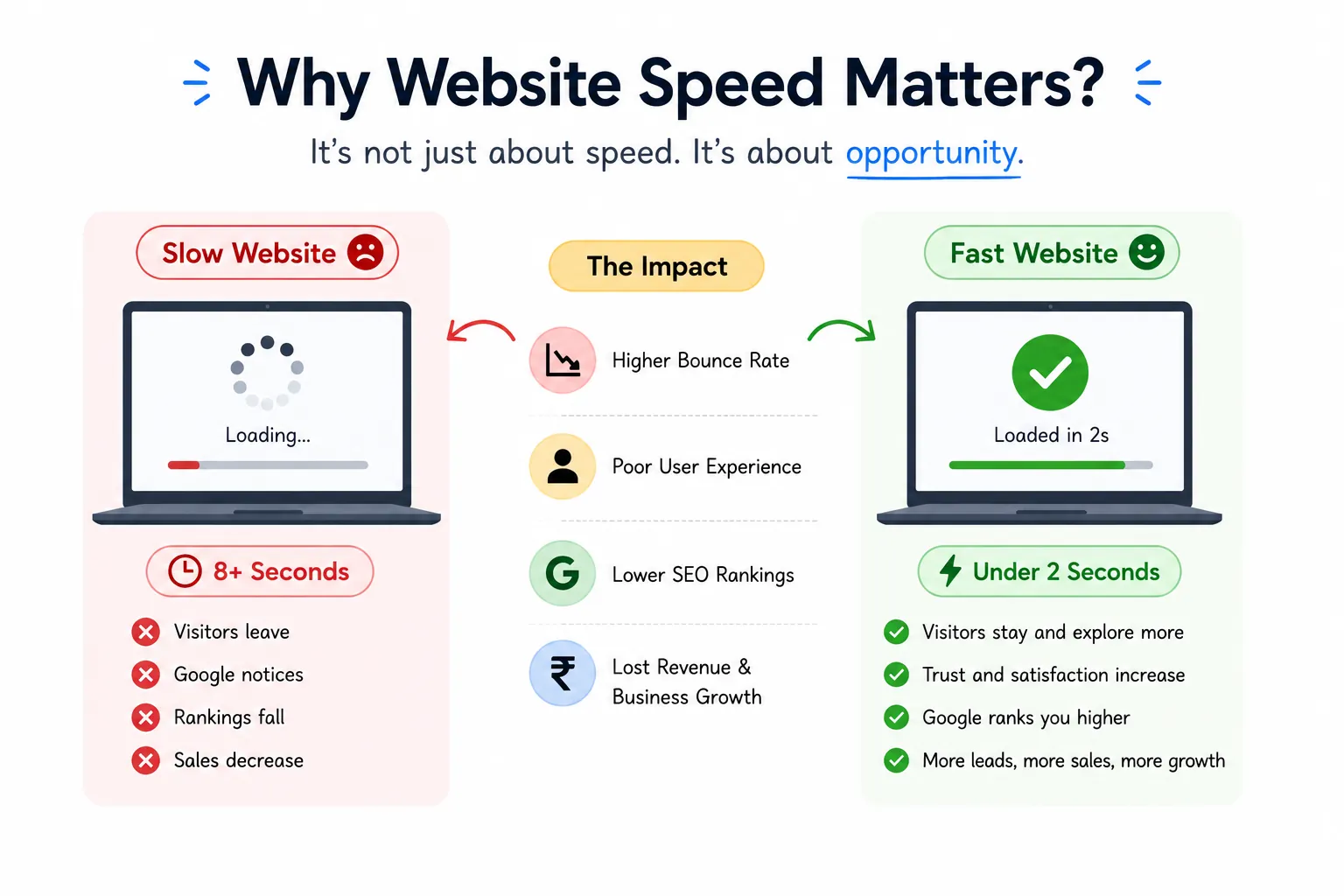
When your site is slow:
❌ Visitors leave
❌ Google notices
❌ Rankings fall
❌ Sales decrease
Why Fast Websites Win
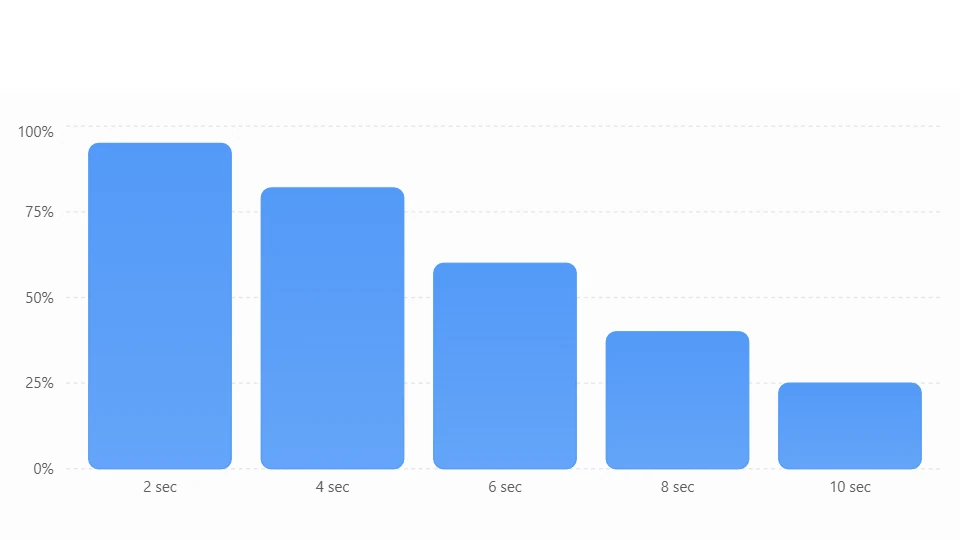
Typical impact of page load speed
Illustrative comparison showing how user experience changes as page load time increases.
What is a CDN?
Think of Netflix.
Instead of storing every movie in one country, Netflix keeps copies in many locations worldwide.
So when you watch a movie, it comes from the nearest server—not from across the globe.
A CDN works exactly the same way for websites.
🖥️ Your website is copied to multiple servers worldwide.
🌍 Visitors automatically receive files from the nearest one.
⚡ Result?
Much faster loading times.
How Does a CDN Work?
Step 1
You upload your website to your hosting.
Step 2
The CDN copies your images, CSS, JavaScript and videos.
Step 3
Those files are stored on servers worldwide.
Step 4
Visitors automatically receive files from the nearest location.
Step 5
your website loads significantly faster
CDN vs Normal Hosting
| Without CDN ❌ | With CDN ✅ |
|---|---|
| Files come from one server | Files come from nearest server |
| Slow for international visitors | Fast everywhere |
| Higher server load | Lower server load |
| Slower SEO performance | Better speed signals |
| More downtime risk | Better reliability |
🚀 Top Benefits of Using a CDN
🚀 Faster Website
- Pages load much faster.
- Visitors don’t have to wait.
- Images and videos open quickly.
🔍 Better SEO
- Faster websites rank better on Google.
- Lower bounce rate improves rankings.
- Better user experience helps SEO.
🔒 Extra Security
- Protects against DDoS attacks.
- Blocks harmful bots.
- Includes Web Application Firewall (WAF).
- Provides free SSL for secure browsing.
🌎 Better Global Performance
- Visitors get the same fast experience from anywhere.
- Delivers content from the nearest server.
- Ideal for international websites.
💰 Reduces Server Load
- CDN handles most static files.
- Your hosting server works less.
- Improves overall website stability.
📈 Better User Experience
- Faster pages keep visitors engaged.
- People stay longer on your website.
- Reduces frustration caused by slow loading.
🛒 Higher Conversions
- Faster websites build trust.
- Visitors are more likely to make a purchase or contact you.
- Better speed can increase sales and leads.
⚡ Improves Website Reliability
- Website stays available even during traffic spikes.
- Reduces the chance of downtime.
- Delivers a smoother browsing experience.
Popular CDN Providers
| Provider | Best For |
|---|---|
| Cloudflare | Beginners |
| Bunny CDN | Affordable |
| Amazon CloudFront | Enterprise |
| Fastly | Large Applications |
| KeyCDN | Small Businesses |
Do You Really Need a CDN?
You should definitely consider one if:
✅ Your website has many images
✅ You run WooCommerce
✅ You get visitors from multiple countries
✅ Your pages load slowly
✅ You care about SEO
Quick Summary
📌 CDN stores copies of your website around the world.
📌 Visitors receive files from the closest server.
📌 Faster websites rank better.
📌 Better speed improves user experience.
📌 Most WordPress websites benefit from using a CDN
Final Thoughts
A Content Delivery Network may sound technical, but its purpose is surprisingly simple: bring your website closer to your visitors.
If you’re building a WordPress blog, a WooCommerce store, or a business website, improving speed is one of the smartest investments you can make. A CDN doesn’t just make your site faster—it helps create a smoother experience for visitors, supports better SEO, and can even improve conversions over time.
As the web becomes more competitive, website speed is no longer a bonus—it’s an expectation.

Leave a Reply