What Is a Domain Name?
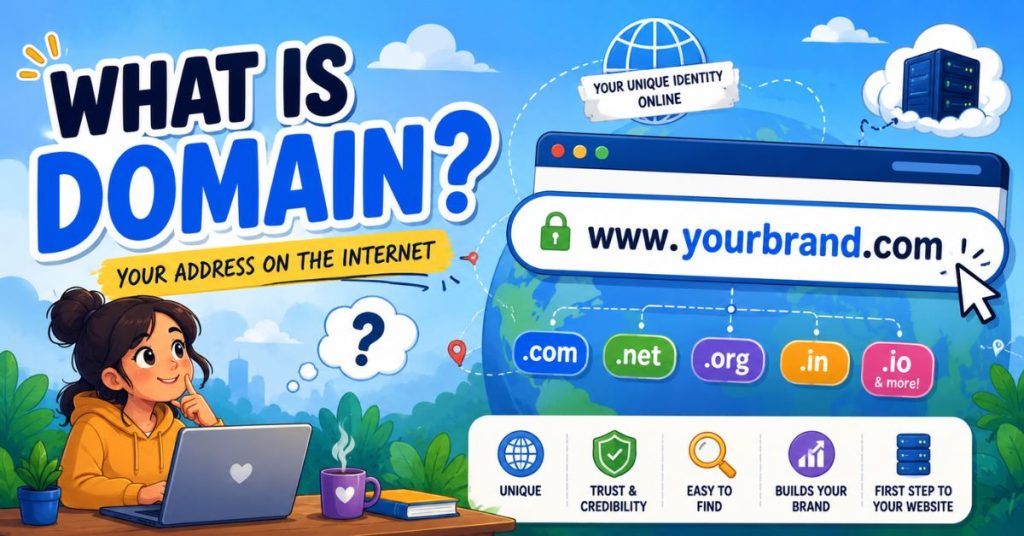
Have You Ever Thought Of It? When you type something like youtube.com, you don’t really think about what’s happening. You just type it… and boom, the website opens. But behind that simple action, there’s something important working silently. Something that makes the internet usable for humans. That “something” is called a domain name. But let’s not jump into definitions. First, let’s understand the problem it solves. Imagine This for a Second… Think of a giant city. Not a normal city — but a city so big that it contains billions of houses. Each house belongs to someone different. Now here’s the strange part: What if none of these houses had addresses? No street names. No house numbers. Nothing. How would you find your friend’s house? You’d probably get lost forever. That’s exactly what the internet would be like without domain names. A complete mess. So the internet needed a system. A way to give every website a name and address that humans can remember. That’s where domain names come in. So, What Is a Domain Name? A domain name is the human-friendly name of a website. It is what you type in your browser to visit a site. For example: These are not random words. They are addresses of websites, made easy for humans. Without domain names, you would need to remember numbers like: 192.168.1.1 Why Domain Names Even Exist A Real-Life Analogy You’ll Never Forget What Does a Domain Name Look Like? A domain usually has two parts: 1. Name Example: google, amazon, facebook 2. Extension Example: .com, .org, .net So when you see: google.com Small Insight Domain Name vs Website Domain Name Website Address Actual building Helps people find site Contains content Example: google.com Google search engine itself Domain vs Hosting Now let’s go one level deeper. If domain is the address… Then hosting is the land. Without land, you cannot build a house. Without hosting, your website has nowhere to live. So: What Happens When You Type a Domain? Let’s break the process like a story: How Do You Get a Domain Name? It’s actually simple: And now the name is yours (for a limited time). You usually renew it every year. Tips for Choosing a Good Domain FAQs Key Takeaways What’s Next? Now that you understand domains, the next big question is: Where does a website actually live? That’s where web hosting comes in. And once you understand hosting, you’ll finally see how websites are built step by step — like a real digital house
What Is WordPress? The Ultimate Beginner’s Guide to Building Websites
Imagine this… You want to build your own little house. But there’s a problem… You don’t know how to use bricks, cement, or tools. Now imagine someone gives you LEGO blocks instead. You just follow the instructions on the manual and build your house easily. That is exactly what WordPress does… but for websites. It helps you build websites without knowing coding. No hard work. No confusing stuff. Just simple clicks. WordPress is a simple tool that helps you build websites without coding.You just click, type, and choose designs like building with LEGO blocks. TABLE OF CONTENTS What Is WordPress? WordPress is a tool that helps you make websites easily. You don’t need to write code. You click. You choose. You publish. What WordPress Actually Does? WordPress takes care of all the hard tech stuff like: So you can focus on: Why WordPress Is So Popular? 40%+ of the web runs on WordPress. Blogs. Stores. Brands. Everything. Why? Because it’s simple to start, but powerful enough to scale. What Can You Build With WordPress? You can build almost anything online: How WordPress Works? WordPress works like 3 simple things: Thing Simple Meaning Real-Life Example What It Does Domain Website address yoursite.com Helps people find your website Hosting Land where website lives Plot of land Stores all website files (images, text, code) WordPress Website builder tool House builder Helps you design and manage your website How to Build a Website Here’s what happens behind the scenes: Step 1: You buy hosting This is your “space online”. Step 2: You install WordPress Now you have your website system. Step 3: You choose a design (Theme) This decides how your site looks. Step 4: You add features (Plugins) Like buttons, forms, shopping carts. Step 5: You add content Text, images, videos. Step 6: You publish Your website goes live. Themes and Plugins Themes = Looks They control: Plugins = Superpowers They add features like: Think of it like this: Common Beginner Mistakes Avoid these: Myth vs Truth ❌ Myth ✔ Truth WordPress is only for blogs It builds ANY website You need coding You don’t need coding It is old It powers modern websites today FAQs KEY TAKEAWAYS AND NEXT STEPS Now you know what WordPress is. But this is just the beginning. Next, you should learn: Because once you understand these, you can build ANY website you want.