Have You Ever Thought Of It?
When you type something like youtube.com, you don’t really think about what’s happening.
You just type it… and boom, the website opens.
But behind that simple action, there’s something important working silently.
Something that makes the internet usable for humans.
That “something” is called a domain name.
But let’s not jump into definitions.
First, let’s understand the problem it solves.
Imagine This for a Second…
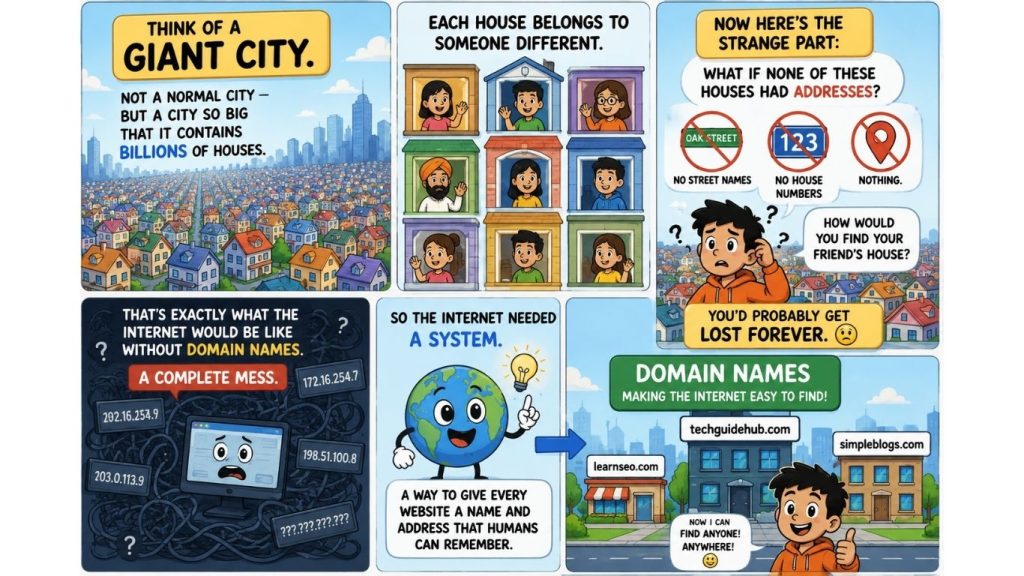
Think of a giant city.
Not a normal city — but a city so big that it contains billions of houses.
Each house belongs to someone different.
Now here’s the strange part:
What if none of these houses had addresses?
No street names. No house numbers. Nothing.
How would you find your friend’s house?
You’d probably get lost forever.
That’s exactly what the internet would be like without domain names.
A complete mess.
So the internet needed a system.
A way to give every website a name and address that humans can remember.
That’s where domain names come in.
So, What Is a Domain Name?
A domain name is the human-friendly name of a website.
It is what you type in your browser to visit a site.
For example:
- google.com
- facebook.com
- amazon.com
These are not random words.
They are addresses of websites, made easy for humans.
Without domain names, you would need to remember numbers like:
192.168.1.1
Why Domain Names Even Exist
- Let’s make it super simple.
- Computers love numbers.
- Humans hate numbers (when they are long and random).
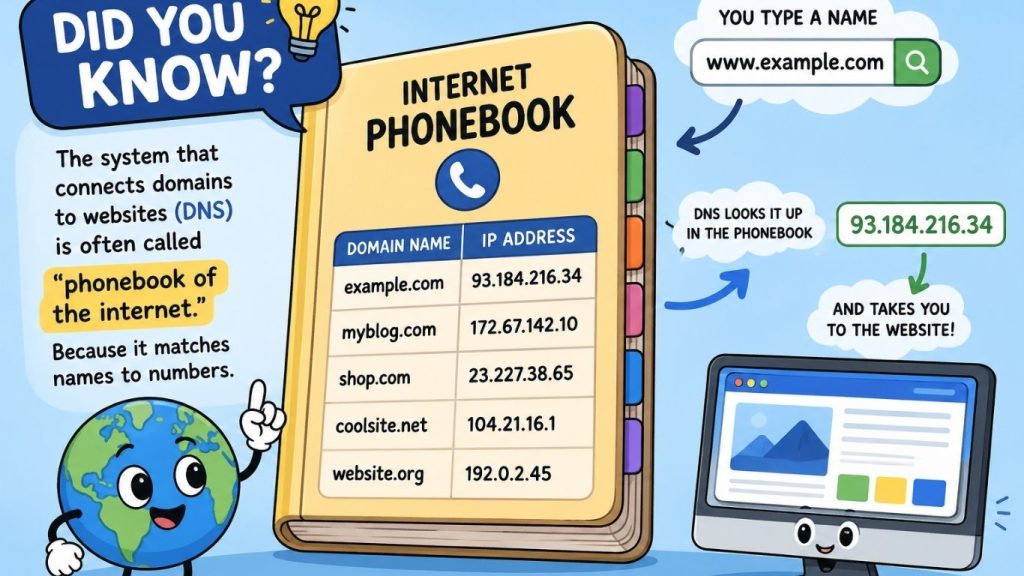
- So the internet needed a translator.
- Something that turns:
- ❌ 142.250.190.78
into
✅ google.com - That translator is the Domain Name System (DNS).
A Real-Life Analogy You’ll Never Forget
- Think about your phone contacts.
- You don’t remember your friend’s number like: +61 412 345 678
- Instead, you just save: “Best Friend”
- When you tap the name, your phone automatically finds the number.
- A domain name works exactly the same way.
- You type: youtube.com
- And DNS finds the correct “number” (IP address) behind it.
What Does a Domain Name Look Like?
A domain usually has two parts:
1. Name
Example: google, amazon, facebook
2. Extension
Example: .com, .org, .net
So when you see:
google.com
- “google” = brand name
- “.com” = type of website
Small Insight
- .com → most common, global websites
- .org → organizations
- .net → networks/tech
- .edu → education
Domain Name vs Website
| Domain Name | Website |
| Address | Actual building |
| Helps people find site | Contains content |
| Example: google.com | Google search engine itself |
Domain vs Hosting
Now let’s go one level deeper.
If domain is the address…
Then hosting is the land.
Without land, you cannot build a house.
Without hosting, your website has nowhere to live.
So:
- Domain = Address
- Hosting = Space where website lives
- Website = Final result people see
What Happens When You Type a Domain?
Let’s break the process like a story:
- You type google.com
- Your browser asks, “Where is this?”
- DNS searches the internet
- It finds the correct server
- The website loads on your screen
How Do You Get a Domain Name?
It’s actually simple:
- Think of a name
- Check if it’s available
- Buy it from a domain provider
- Connect it to hosting
And now the name is yours (for a limited time).
You usually renew it every year.
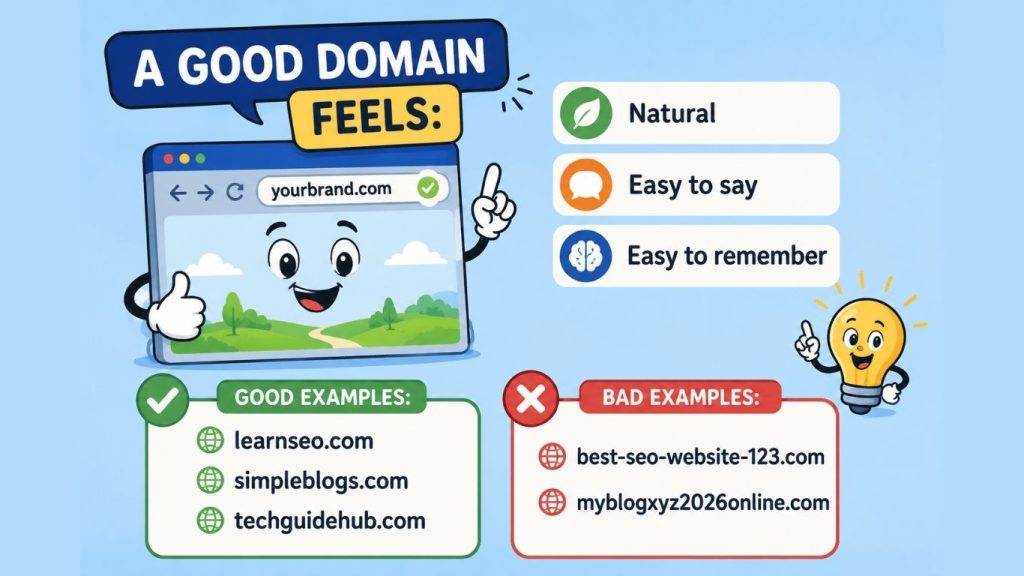
Tips for Choosing a Good Domain
FAQs
No. A domain is only the address.
No. You rent it yearly.
No. Every domain is unique.
Yes, otherwise nothing will appear online.
.com is still the most widely used.
Key Takeaways
- A domain name is the address of a website
- It helps humans avoid remembering numbers
- DNS connects domain names to real servers
- Domain ≠ website
- Domain ≠ hosting
- Simple names are always better
What’s Next?
Now that you understand domains, the next big question is:
Where does a website actually live?
That’s where web hosting comes in.
And once you understand hosting, you’ll finally see how websites are built step by step — like a real digital house